After 7 years contracting for the Google Arts and Culture Lab, I’m back to freelancing. I did all manners of ML and R&D for GAC but the end result was usually a WebGL website so I’m not too rusty when it comes to training a model and making a frontend but I wanted to explore the world of IoT as a first step to catch up with real life.
I bought a smart band, the Xiaomi Smart Band 10, the cheapest device available in my local supermarket that exposed a gyroscope & an accelerometer with the idea that I could use it as an alternative remote control to drive whatever Web app, in real time.
Of course I could have bought the sensors separately and hack them together with Arduino or what not but I liked the idea of hacking something that’s already there.
The device is qualitative, it’s tiny, lightweight, has precise and responsive sensors and touch, a bright and sharp screen, very decent autonomy, it’s waterproof… “perfect” I thought.
A sound plan
I knew there’s a Bluetooth API in Chrome that lets you connect a device directly through the browser, so My plan was to pair the device to my PC, monitor the sensors from the frontend and call it a day.
DAY 1 Accessing the device and adding custom software
Fool!
I knew nothing about Bluetooth really but I knew even less about firmware and after spending a half a day trying to plug the device directly to my PC, I realized this wouldn’t be possible.
The only thing you can do with a USB cable is to charge the device, there’s no way to use it as an external drive or simply find it in the USB connected stuff: the firmware is locked at hardware level. After some reading, I learnt that trying to change that would require soldering and potentially “brick” the device, not hanks. The only option to communicate with the smart band is through the official app, I use an iPhone Mini 12 as a mobile so I installed the MI Fitness app, it’s a dashboard that informs you that the phone is ringing and lets you change the watch face ; nice but fairly useless in my case.
Early in the process, I realized I’d need to retrieve an encryption key exchanged between the MI Fitness app and the device during the first pairing. For that I used the Xiaomi Cloud Tokens Extractor which signs you into the Xiaomi account then spoofs the server calls until it finds the proper Token, in my case it gave:
|
1 2 3 4 5 6 7 8 9 |
--------- NAME: Xiaomi Smart Band 10 ID: 984297766 MAC: 04:34:C3:78:2C:9C TOKEN: a042e5ff3b2d4d5d86d1208dff2f5dac MODEL: miwear.watch.o66gl --------- |
with this in hand, I could envision to access my device from any app, or so I thought ; direct access from the chrome API would still fail and the device would ask for a confirmation from the previously paired app to finish the handshake, dead end.
I looked into modded versions of the of the app but, iOS being iOS, I had little hope on the App Store. so I looked into the Android realm and found 2 options, Notify for Xiaomi and Gadgetbridge, the former is specifically designed to interface the Xiaomi devices, change the watch face and upload prebuilt apps, the latter is a general purpose tool to interface any device via Bluetooth, that happens to handle Xiaomi devices too.
There’s also a modded version of the MI Fitness app by Mortal, but it is exclusively interfaced with an external website where you can download prebuilt apps and watch faces, the site is in Chinese and doesn’t solve the ‘custom’ part of the software problem.
Android it was then! I unearthed my good old S6
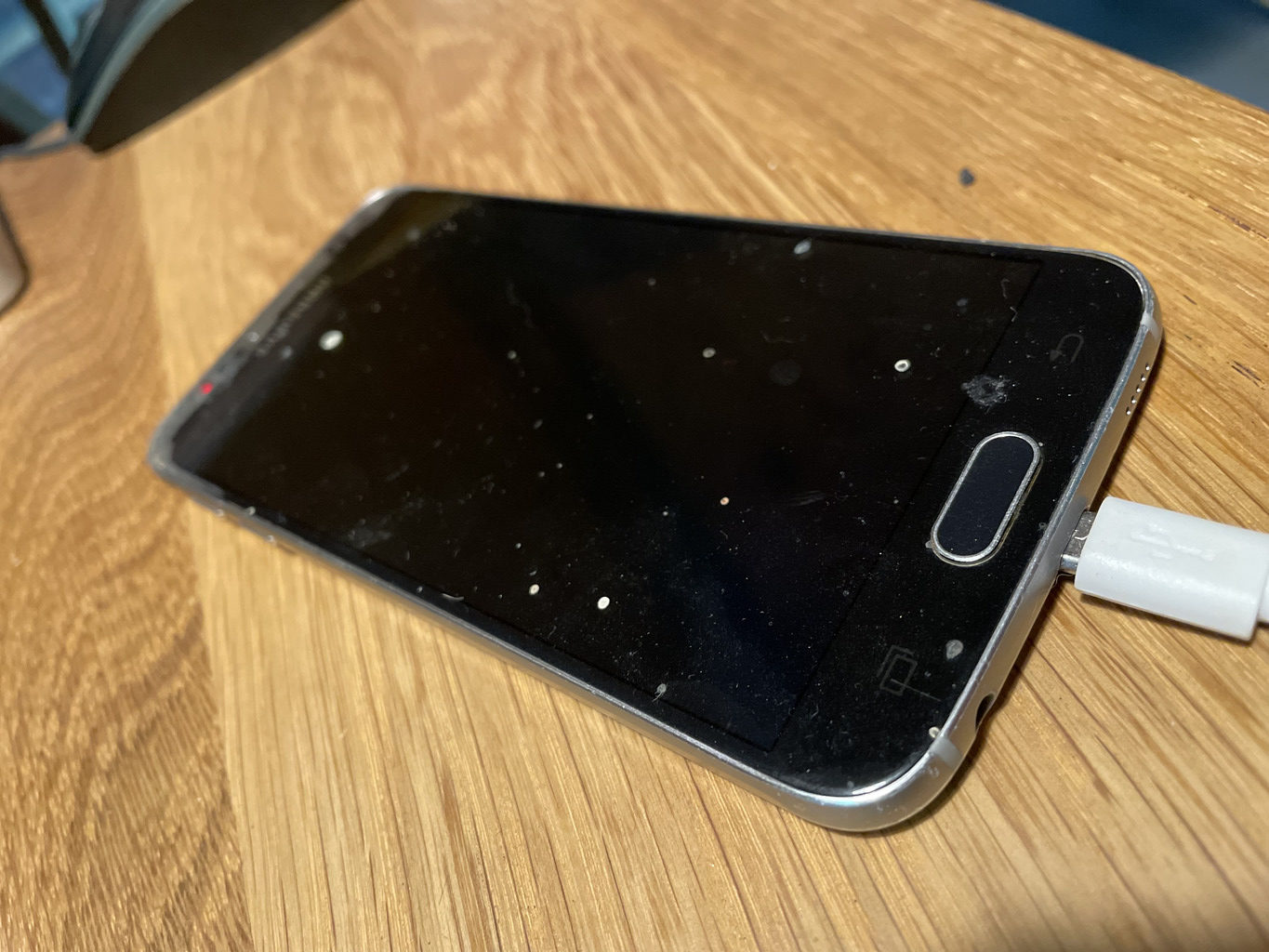
installed GadgetBridge, and tried to pair the band with the above credentials and SUCCESS!
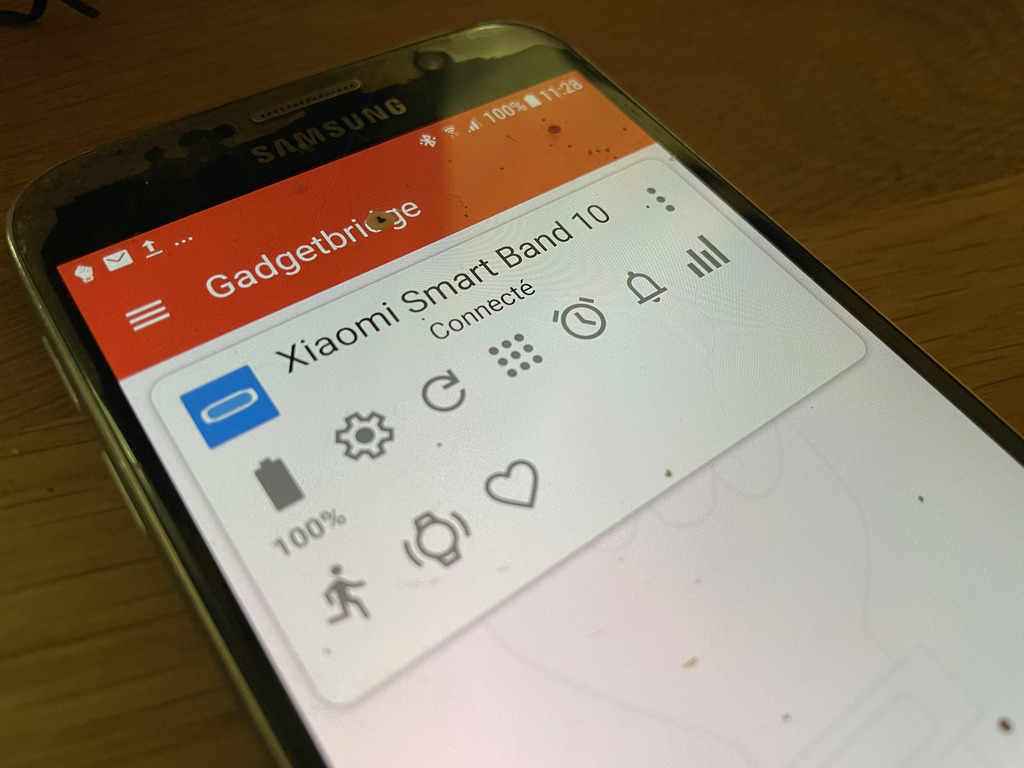
that was an intense start. but more dangers lurked in the shadows.
DAY 2 Developing an app for proprietary firmware
A lifetime ago, I developed Android apps for shits and giggles and my plan was to:
- develop a minimal Android app to query the sensors
- start a local WebSocket server to pipe the telemetry data
- consume the data from a local frontend
Simple enough, right? I downloaded Android Studio and asked Gemini to dev an app (didn’t want to touch Java for Android ever again), slapped together a WS server running on my Local network and a frontend to consume the data, everything worked locally through an emulator, it really felt magic.
I was about to build & deploy my APK to the device when I realized the apps running on the smart band are NOT regular .APKs but .RPKs (QuickApps) ; a Xiaomi proprietary format… what was I thinking… ok back to square one.
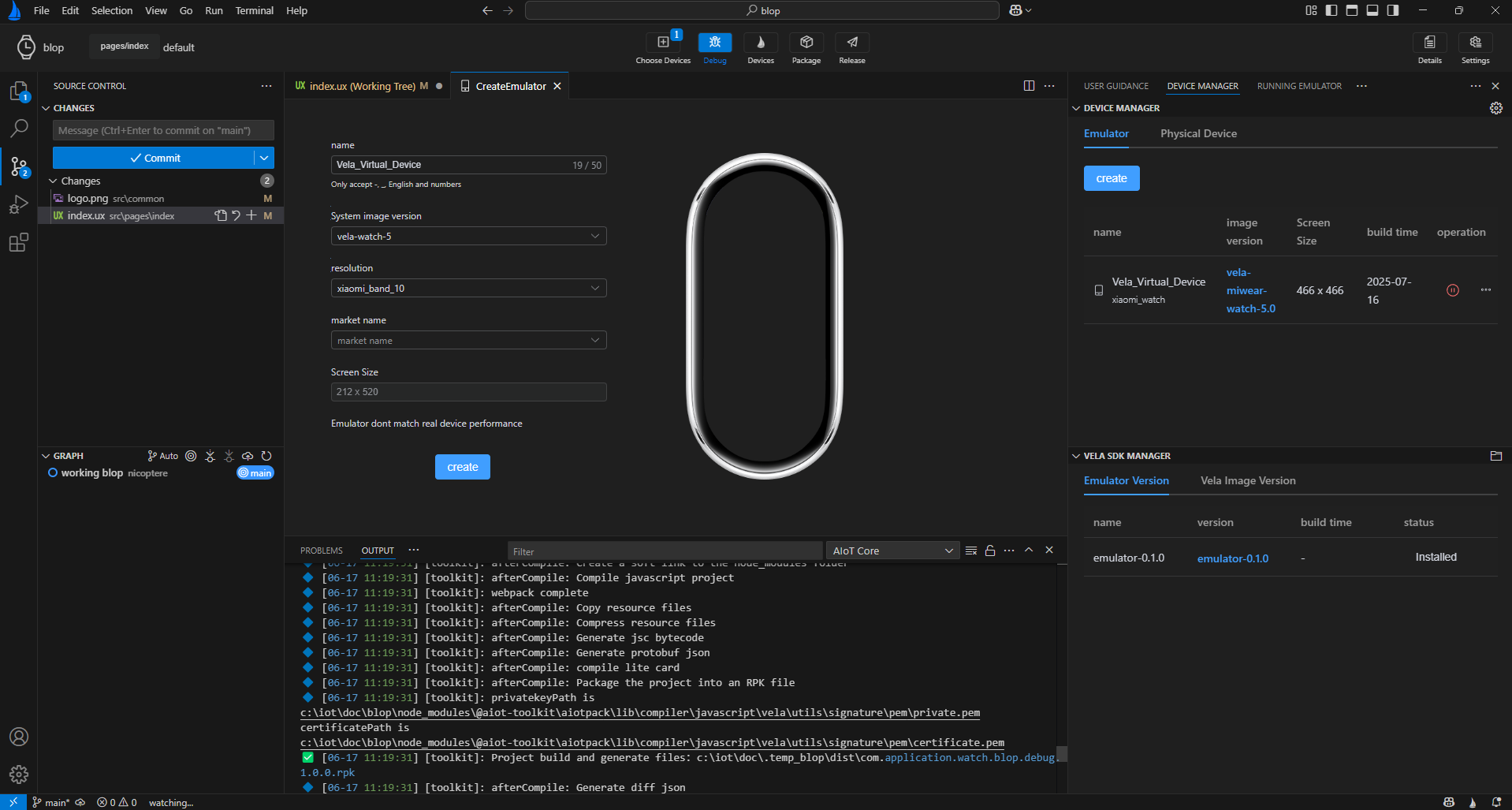
Enter Vela the proprietary IDE that let’s you build custom apps. It’s essentially a JS library that let’s you access the guts of the device especially the sensors.
A “dev mode” Easter egg
When developing mobile apps, there’s usually a developer mode that you enable by tapping multiple times on the software or system version, somewhere in the device’s settings. I tried withe band, tapped the “OS Version” 5 times which triggered a cool Starfield / Xiaomi Vela animation so I thought I was done. nope!
The Smart Band 10 runs a restricted version of HyperOS and tapping the “OS Version” 5 times only confirms that Bluetooth ADB debugging (Android Debug Bridge over Bluetooth) has been enabled, still no way to connect via USB.
Some other non-trivial things happened with the IDE amongst which :
- the SDK version: not all SDKs handle the various models, i my case
vela-watch-5worked AND some SDKs are headless which is not very practical to debug something visually - the Emulator is NOT selected by default ; running it is not enough, you also need to select it as a debug target. this is meant to let users run multiple emulator instances simultaneously which is nice but super counter intuitive too, I wasted an hour finding this out… (it’s the [+] dropdown next to the debug button, then pick the emulator(s) you want, THEN debug)
- the emulator fails at rendering non square textures (?!) ; the smart band if a 212*520 pixels portrait device, it’s exposed in the list but when selected, the emulator fails to render as it can’t handle non square textures… yet another hour wasted.
After some struggle, I managed to compile a .RPK file, upload it to Drive, install it on the device via Gadgetbridge, and – at long last – run it on device!
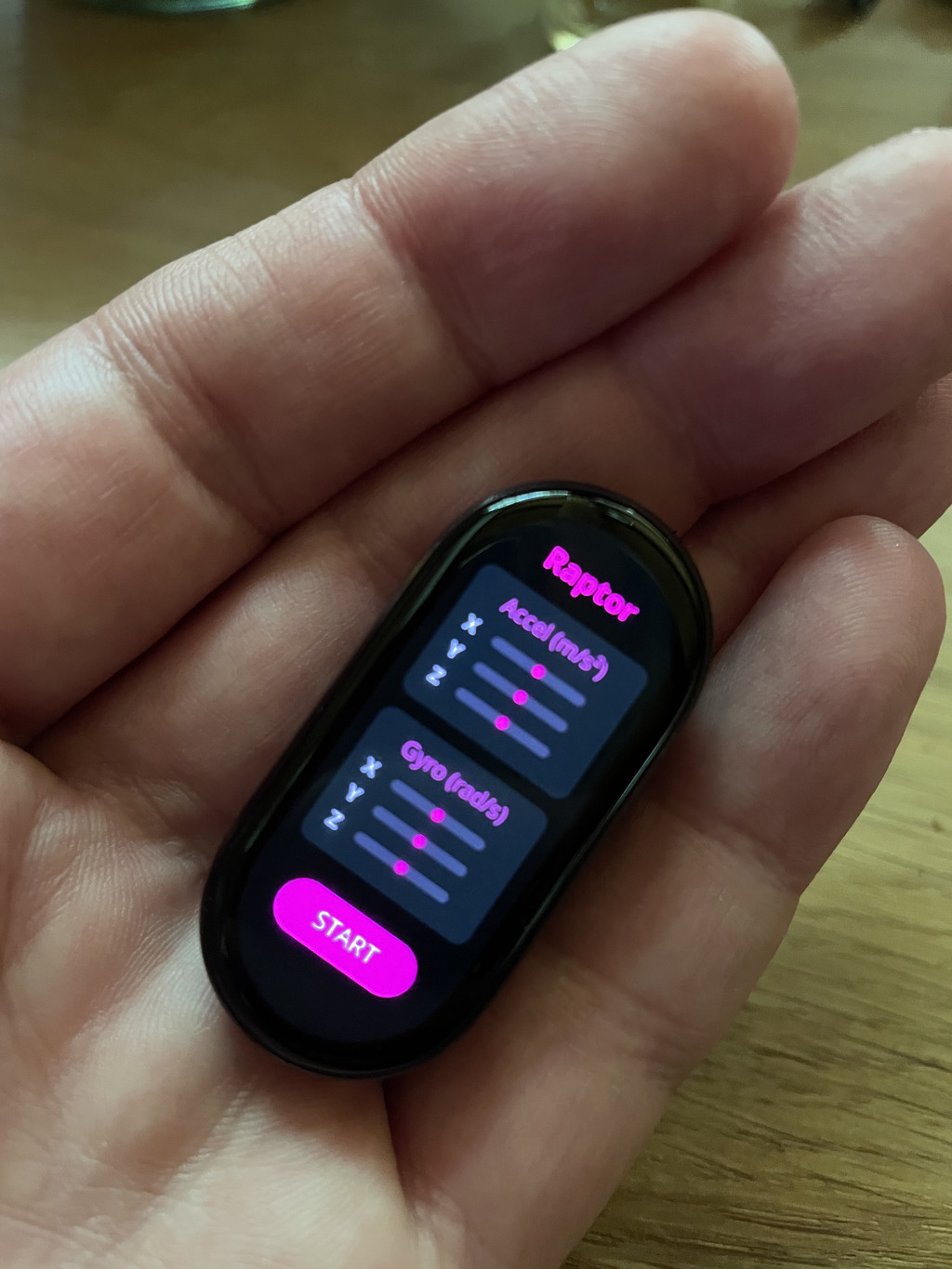
DAY 3 time for a real use case
my first app was called raptor because I genuinely thought it would devour the band’s data and forward them to my local WebSocket server in one bite, no questions asked…
nope!
Vela may expose a JS API, but yet again, a proprietary JS API ; all the fetch() calls to URLs use a custom tunnel (HyperConnect) that channels all the HTTP requests through BlueTooth, so one does not simply send data wherever they want ; the requests will fail silently.
This was the last nail in my real-time remote control coffin and I resolved to making a toy instead of a tool.
One of my 2025 highlights was the fluid simulation pendant by Mixtela, it’s conceptually beautiful and extremely well executed. I decided I’d try to mimic it for my toy app.
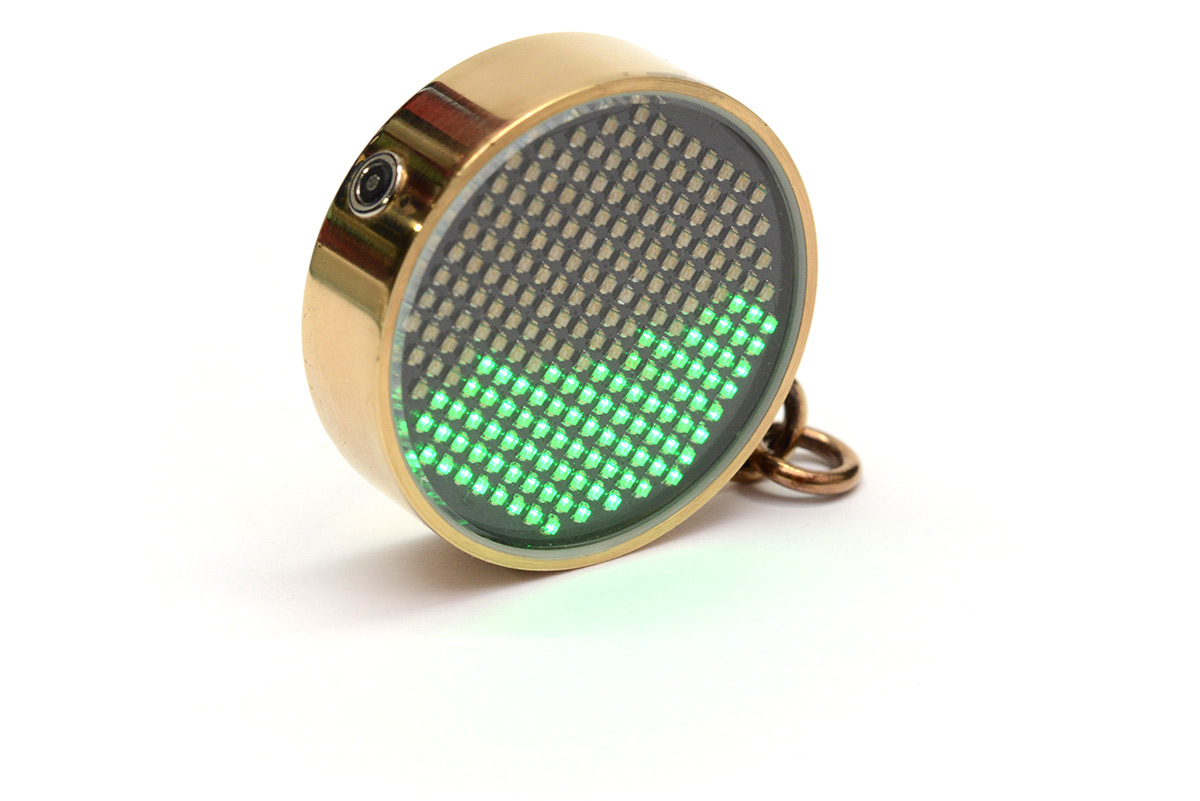
As expected the Smart Band’s CPU is puny, and since I’m using a HTML / JS layer on top of the HyperOS, the resources are _pretty_ low. Needless to say that the simulation had to be frugal, instead of a FLIP sim, I chose a super coarse grid and Cellular Automata approach for the physics (like the sandtoys you may have seen here and there), basically using the Gyroscope to set the gravity direction then, for each active cell, sample the 8 neighboring cells to determine if it can move.
The HTML/JS prototype worked well but of course failed once deployed, after some investigation, it appears that the Vela JS API doesn’t let you use a bloody CANVAS! FFS, seriously what’s wrong with API makers?
So, the last twist was to mimic the behavior of a coarse canvas’ cells with …. DIV elements!
Though I limited the active cells to 30% of the 8 * 20 (~=50 cells ), the CPU is still unable to repaint the DIVS at a decent framerate which makes it pretty useless for my use case.
Anyways,
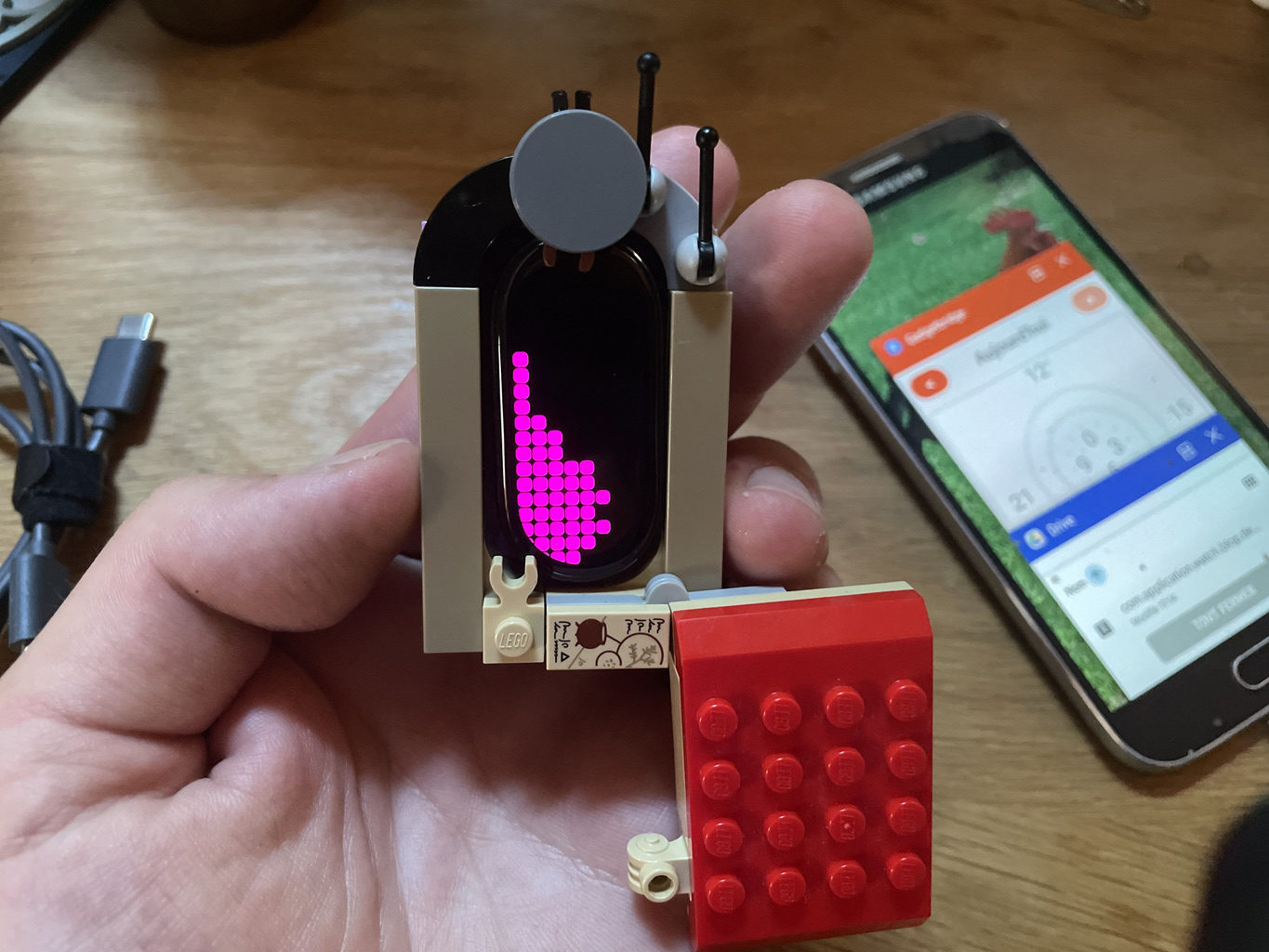
the device is so cute I wanted to add a playful touch, I built a LEGO case for it and Voilà!
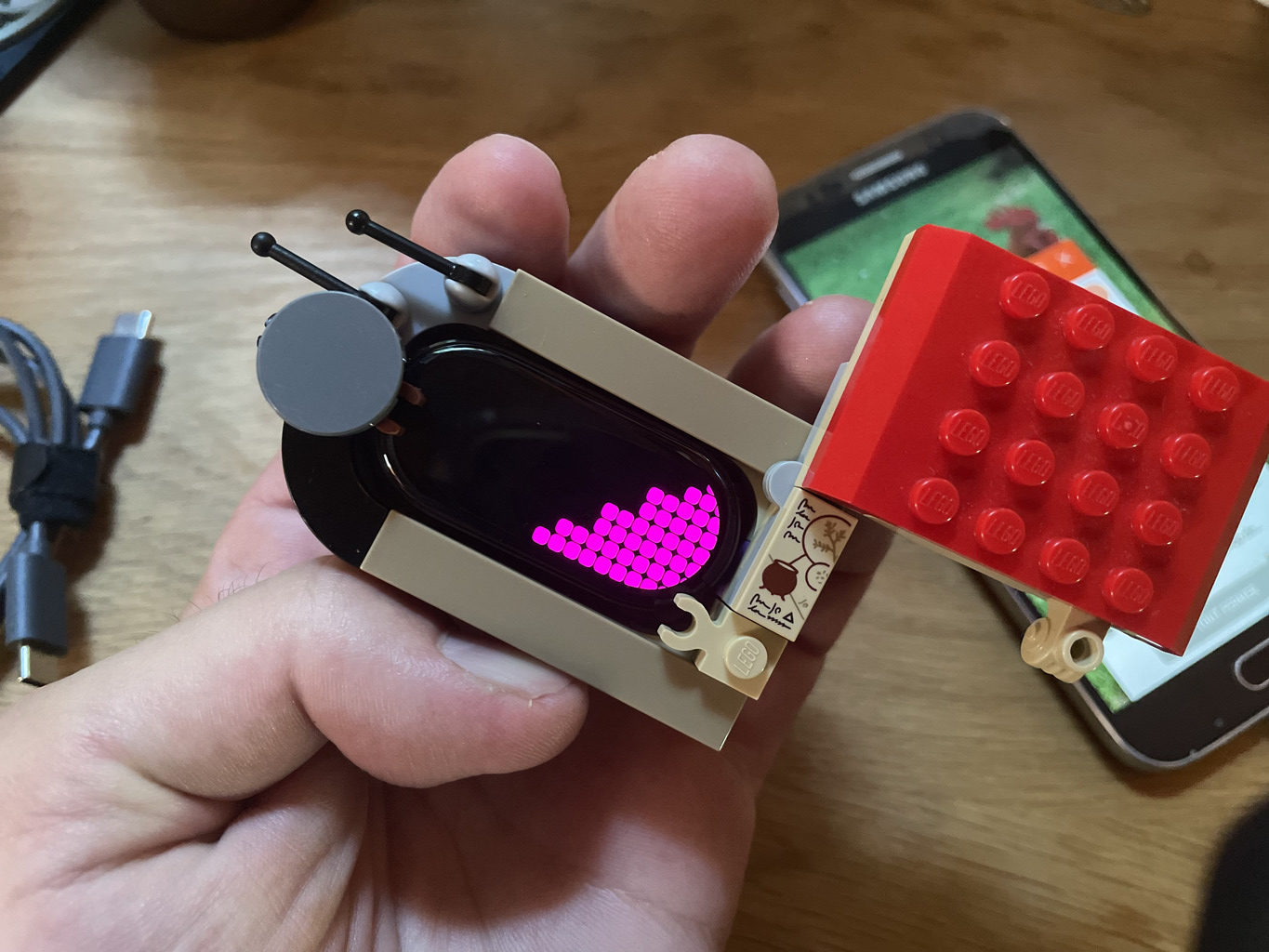
behold the BLOP app in action!
key takeaways:
- the firmware is almost(?) physically built-in, extremely hard to bypass
- it’s possible to “hack” existing devices but it’s not straight forward
- Open APIs don’t give low level access and restrict basically everything (I expect most vendors to do that)
- I should learn Chinese, would have been very helpful at times ^^’